Table of Contents
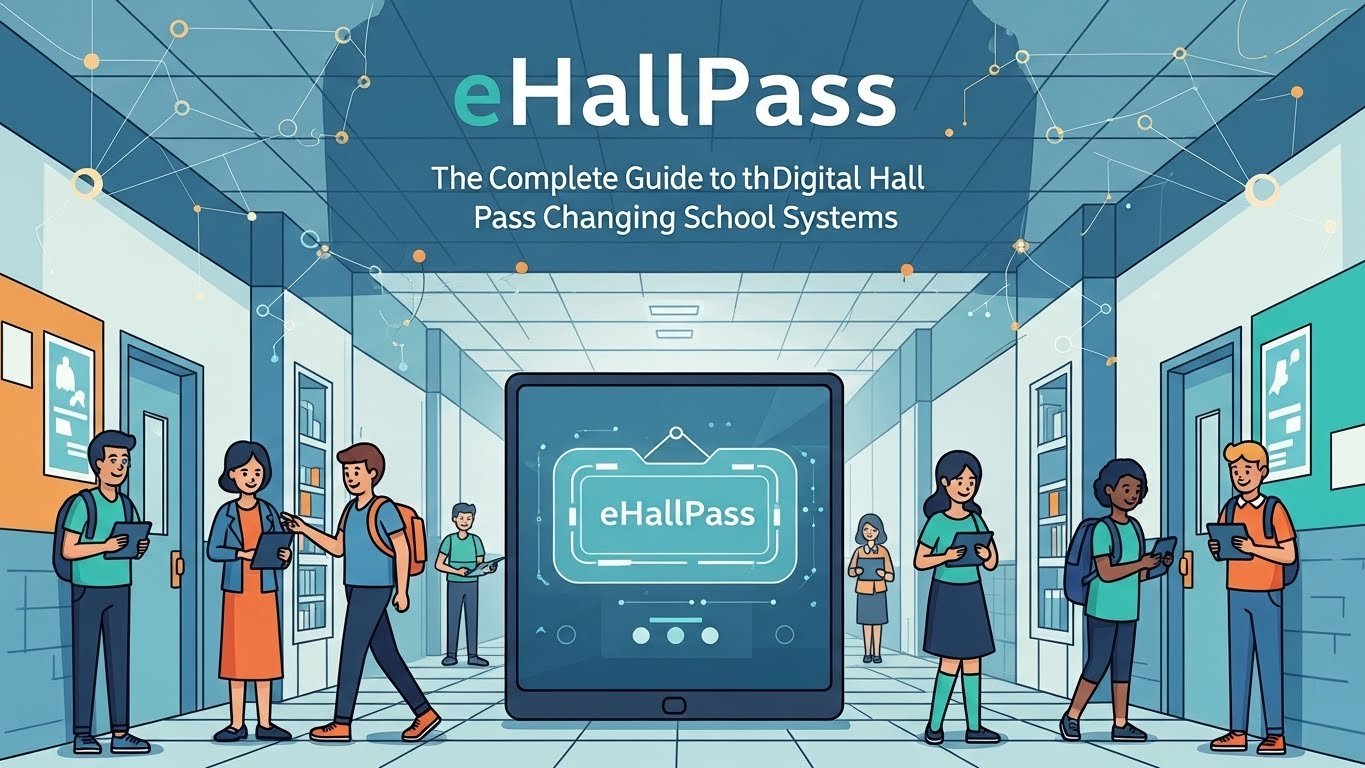
If you’ve been inside a school recently, you may have heard students or teachers talk about eHallPass. It’s a new tool that helps schools track where students go during the day. Instead of using paper hall passes or wooden blocks with the word “pass” scratched on them, many schools are going digital. eHallPass is an online system that replaces those old methods with a smarter, safer, and easier way to manage student movement around the building. Students simply log in on a device, request a pass, and wait for approval. Teachers can monitor requests in real time. Schools love how it helps with safety and accountability, especially during busy class hours. Whether you’re a teacher, parent, or student who wants to understand eHallPass better, this simple, clear guide will walk you through everything. You’ll learn how eHallPass works, how it helps, how to use it, and why it’s becoming popular fast.
What Is eHallPass and How Does It Work?
eHallPass is a digital hall pass system used in schools. It’s a web-based tool that lets students request permission to leave class. Instead of asking for a handwritten note or a physical pass, students request a pass through a computer, tablet, or school device. The system sends the request to the teacher, who either approves or denies it. Once it’s approved, the student can leave the classroom. eHallPass keeps track of each pass in real time. It records who left, where they went, when they went, and when they returned. Schools can also set rules, like limits on how many students can be out at once or block certain students from leaving at the same time. This helps schools manage safety, prevent skipping, and improve overall order.
Why Schools Are Switching to eHallPass
Many schools are using eHallPass because it provides more control and better safety. Paper passes can be easy to lose, fake, or misuse. With digital passes, everything is linked to each student’s name and account. Teachers know exactly who is out of class and when. If an emergency happens, school leaders can look in eHallPass and see where every student is. This helps speed up actions and protect students faster. Also, students can’t use the restroom or lockers as an excuse to meet up without permission. It discourages rule-breaking and keeps students focused on learning. Parents also appreciate the added safety and communication. The digital system helps reduce wasted time and adds structure during the school day.
How Students Use eHallPass
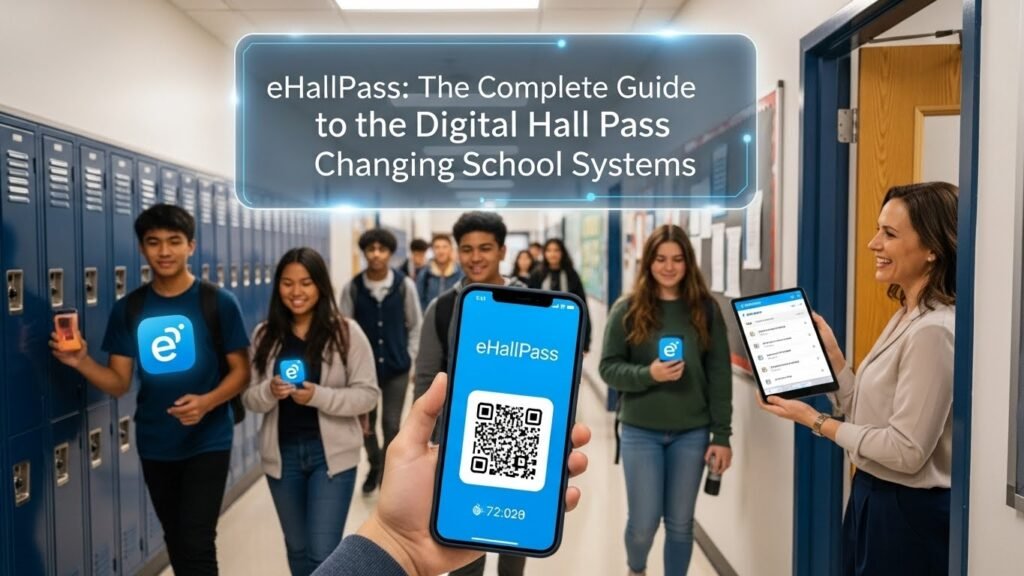
Using eHallPass is easy for students. First, they go to the app or website on their school device. They log in with their school account. Then, they click “Create a Pass” and choose where they want to go, like the restroom, office, locker, or nurse. Some schools may have more options, like the library, counselor, or water fountain. After selecting a reason, students submit the pass and wait. If the teacher approves it, a digital pass shows up with a timer. The system tracks when the student leaves and comes back. After they return, the pass ends. This makes everything clear for students and teachers. Students like how easy it is to use and how they can sometimes schedule passes in advance.
What Teachers See and Control in eHallPass
For teachers, eHallPass gives more control than paper slips ever could. Teachers can see every student pass request on their screen. They can approve or deny passes with just one click. They can limit how many students from their class are out at a time. Teachers can also create appointment-style passes, like if a student needs to meet with the school nurse during class. eHallPass shows them how long students have been gone and gives alerts if students stay out too long. Teachers can also view pass histories. This helps in parent meetings, behavior talks, or school reports. Overall, eHallPass saves class time, gives teachers peace of mind, and helps track student behavior accurately.
School-Wide Benefits of Using eHallPass
The entire school benefits when using eHallPass. Administrators see less hallway traffic and fewer situations where kids misuse passes. The software gives real-time reports to the front office or security team. That way, if something happens, they know right away who is missing from class and where they were supposed to be. Some schools use it to track high-traffic times, see which spots are used the most, and update their schoolwide policies. It also helps during drills—emergency teams can quickly check eHallPass and find missing students faster. On top of that, schools report that discipline numbers drop when they introduce the system. Fewer hallway fights, fewer skipped classes, and fewer distractions help create a better learning environment.
Does eHallPass Invade Student Privacy?
This is a fair question, and many students and parents ask it. The goal of eHallPass is not to spy. It’s to help teachers keep students safe. Traditional hall passes didn’t protect privacy either—they simply didn’t track anything. With eHallPass, schools have data, but it’s mostly about the time, place, and purpose of pass requests. Schools don’t track GPS or record mic or camera. The system protects data and is usually handled by school admins or tech teams. Students are only tracked during school hours and when making a hall pass request. eHallPass follows privacy rules like FERPA and COPPA. Still, it’s important for schools to explain how data is used and make sure families feel safe.
Can eHallPass Help With Student Behavior and Discipline?
Yes, many schools use eHallPass to improve behavior. By seeing who uses passes the most or how long students are gone, teachers can spot patterns. Some students may be leaving too often to avoid class. Others may try to meet up during passes. With this data, counselors can check if someone is struggling or just trying to skip. The system reduces misuse, creates fair rules, and helps staff respond earlier. Students know their passes are being logged, which often means fewer fake excuses. Many schools say eHallPass cuts down on hallway issues, helps teachers keep students in class, and gives students better structure.
Tracking Special Needs and Medical Passes
Not all students use eHallPass the same way. Some students need special breaks for medical or emotional reasons. eHallPass allows teachers and administrators to make custom pass settings. These passes can be approved right away or preset on schedules. For example, a student with a health plan can get passes without delay. Some students may need access to the nurse or restroom quickly. The app lets staff assign different rules quietly, so students don’t feel singled out in front of classmates. eHallPass provides equal access without embarrassment. That’s why it works well for kids with 504 plans, IEPs, or mental health needs.
How Schools Customize eHallPass to Their Needs
Every school does things a little differently, and eHallPass makes it easy to adjust. Schools can choose what locations are listed—restroom, locker, nurse, or even discipline office. They can also set daily time limits, “cooldown” times between passes, and rules for who can be out. Some schools block certain students from using passes at the same time if they’ve caused trouble in the past. Admins can also see if a student is abusing the pass system too often. All of these tools help schools stay in control while giving students freedom with responsibility. When used right, eHallPass fits smoothly into any school’s rules.
How Schools Handle Emergencies Using eHallPass
In an emergency, knowing where students are can save lives. With eHallPass, staff can open their dashboard and quickly see who is out of class and where they were headed. If the school goes on lockdown, this keeps teachers and safety officers from wasting time searching halls. Accurate data from the pass system helps guide fast decisions. Some schools even conduct emergency drills with eHallPass included. Having this important tool during a crisis brings calm to a tense situation. Safety teams appreciate how reliable it is and how it supports modern emergency planning.
What Students Really Think About eHallPass
Opinions from students about eHallPass vary. Some students say they miss the freedom of old-style passes. They feel like the system watches them too closely. Others say it helps stop kids from taking advantage of leave time. Many students like how they can schedule passes and avoid interrupting class by raising hands. Over time, most students get used to the system. The key is fair rules and clear communication. When teachers explain why eHallPass is used and how it keeps school safe and smooth, most students begin to support it.
FAQs
Q1: What is eHallPass used for?
eHallPass is a digital hall pass system that lets students request permission to leave class using a computer or tablet.
Q2: Do all schools use eHallPass?
Not yet. Many middle schools, high schools, and some elementary schools are starting to adopt the system, but not every school uses it.
Q3: Can teachers see how long a student is out?
Yes, eHallPass shows the start time and end time of every pass so teachers can track it easily.
Q4: Can parents access eHallPass?
Usually, parents don’t log into the system, but schools sometimes provide reports or talk about usage if concerns come up.
Q5: Is eHallPass free to use?
Schools must pay for a license, but students don’t have to pay anything. It’s part of the school’s system.
Q6: Can students use eHallPass from their phones?
Some schools allow it, but many prefer students to use Chromebooks or school tablets so everything stays logged securely.
Conclusion
As schools grow more digital, tools like eHallPass are changing how campuses run. It’s not just about logging bathroom trips. It’s about keeping everyone safe, helping students stay in class, and giving teachers more control. While some may miss traditional passes, most schools say discipline improves, emergencies are easier to handle, and less time is wasted. Like any new system, it works best when students, teachers, and parents understand the why behind it. Clear rules and kind leadership are key. If your school uses or plans to use eHallPass, be open to learning. With the right setup, it can help make school safer, smoother, and a little more organized for everyone.