Table of Contents
Have you ever wished you could talk to someone instantly just by pressing a button? No dialing, no waiting—just push, talk, and you’re live. That’s exactly what the Zello Walkie Talkie app does. It turns your phone into a walkie talkie, letting you talk to friends, family, or even coworkers with ease. It’s fast, fun, and super helpful in emergencies, jobs, or everyday life. In this article, we’ll explain everything you need to know about the Zello Walkie Talkie app. We’ll keep things simple and easy, just like a conversation with a friend. You don’t need to be a tech expert to follow along. Whether you want to use Zello for fun, work, or safety, this guide will help you. We’ll cover how it works, why people love it, and how it compares to regular walkie talkies and phone calls. Most importantly, we’ll guide you to use it safely and smartly. Let’s explore why the Zello Walkie Talkie app is becoming a popular tool for quick and reliable voice messaging every day.
What Is the Zello Walkie Talkie App?
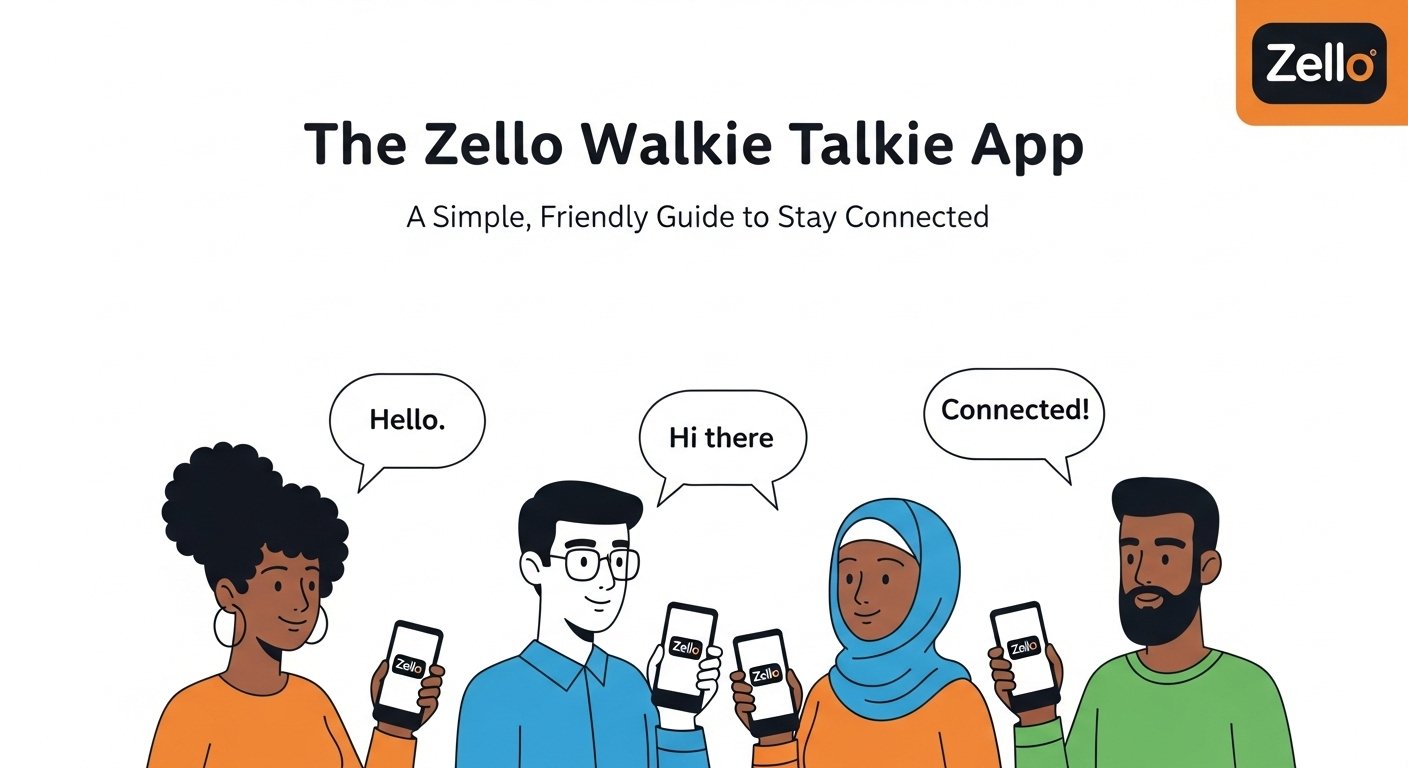
The Zello Walkie Talkie app is a free voice messaging app that works just like a real walkie talkie. But instead of using radios, it uses the internet—Wi-Fi or mobile data. You press a button, speak your message, and it gets sent right away to whoever is listening. Your voice fills their phone, loud and clear, almost instantly. Zello is used by all kinds of people. Families use it just to stay in touch. Friends use it for fun group chats. Workers and emergency teams use it to stay connected at job sites or during disasters. It’s known for being fast, reliable, and super easy to use. Unlike a phone call, there’s no need to wait for anyone to answer. Just press and talk when you’re ready. That’s why so many people love the Zello Walkie Talkie app. It takes something simple—your voice—and makes it smarter for today’s phones.
How Does the Zello Walkie Talkie App Work?
The Zello Walkie Talkie app works over the internet. This means you need either a Wi-Fi connection or mobile data. Once the app is open, you pick who you want to talk to. This could be one person or a group. You press a big button on the screen labeled “Push to Talk.” Then you speak into the phone like a walkie talkie. When you let go, your voice is sent. The other person hears it right away—even if their screen is off. It’s super fast and feels like real-time talking. You can even see a list of channels or users who are online and ready to chat. You don’t need to use minutes or text messages. And since the app saves what people say, you can also listen later if you miss something. That makes the Zello Walkie Talkie app great for both live chats and delayed listening when you’re busy.
Is Zello Really Free to Use?
Yes! The Zello Walkie Talkie app is free to use for personal communication. You can download it from the Apple App Store or Google Play Store. Signing up takes just a few seconds, and there’s no cost to talk to your friends or family. It’s completely free for basic users. If you’re using Zello for a business or team, there is a pro version called Zello Work. This version comes with more features like admin controls, private channels, and secure data storage used by businesses, first responders, or delivery teams. But for most people, the free Zello app is all you really need. It has no annoying ads, no hidden fees, and no tricky upgrade traps. That’s why the Zello Walkie Talkie app has become a favorite among budget-minded users around the world.
What Can You Use Zello For?
The Zello Walkie Talkie app is a great tool with many uses. People use it for fun, work, and emergencies. For example, kids and parents use Zello around the house or neighborhood to stay in touch without calling. Friends use it to chat while gaming or planning events. It’s also great during outages, when phone lines are down but Wi-Fi still works. Workers in construction, warehousing, events, or security often use Zello to talk hands-free. Instead of shouting across a job site or calling on a phone, they just press the button. Emergencies are another big area. Many communities have Zello channels where people check in, update each other during bad weather, or call for help. No matter the reason, the Zello Walkie Talkie app lets you speak quickly and clearly wherever internet is available.
How Is Zello Better Than a Regular Walkie Talkie?
Walkie talkies use radio waves and have a limited range. Most are only good within a few miles, and even trees or walls can block the signals. But Zello uses the internet, so it can work from anywhere. You could be in one country chatting with someone far away and still hear each other clearly. Another difference is that real walkie talkies often require a license if you use them with strong signals. Zello doesn’t need any of that. You only need your phone and the app. It also doesn’t require batteries or charging extra hardware—your phone handles it all. And with Zello, you can see who is online, send text messages, and even replay older voice messages. That’s why many people are replacing traditional radios with the Zello Walkie Talkie app. It’s simple, portable, modern, and global.
Is Zello Safe and Secure?
The makers of the Zello Walkie Talkie app take safety seriously. Zello uses encrypted connections to help keep your voice data secure while it travels over the internet. This means that others outside your chats can’t listen in easily. For groups, admins can set privacy settings and pick who has access. While no app is 100% safe from hacking, Zello has a strong record of protecting user data. It stores very little personal info, and your conversations are not public unless you create open channels. For kids and families, it’s a good idea to use private chats only and avoid adding random users or joining unknown channels. If you’re ever unsure, it’s smart to stick with people you know and trust. Used properly, the Zello Walkie Talkie app is a safe way to keep in touch with your circle.
Can You Use Zello Without Cell Signal?
Yes, but only if you have Wi-Fi. Since the Zello Walkie Talkie app works over the internet, you don’t need cell signal as long as there’s a Wi-Fi connection. This makes it super useful during emergencies when phone lines or towers go down. You can also use it in places with poor cell reception, like basements, hiking trails, or remote buildings. Anytime Wi-Fi is strong, Zello will keep working. If you don’t have Wi-Fi but do have a data plan, it works just the same. And don’t worry—it doesn’t use a lot of data. One hour of voice on Zello consumes very little, making it a good choice even on limited plans. Whether you’re on mobile data or Wi-Fi, the Zello Walkie Talkie app is ready to keep you connected.
Does Zello Work During Emergencies?
Absolutely. Zello has become very popular during hurricanes, fires, floods, and blackouts. When other tools fail, the Zello Walkie Talkie app still connects communities. It runs even when phone lines don’t, as long as there’s Wi-Fi or data. Some cities even recommend it in their emergency plans. During Hurricane Harvey and other disasters, volunteer rescue teams used Zello to coordinate help. Strangers used it to contact one another, organize rescues, and deliver food or medicine. Many now keep it installed just in case. If you plan ahead by creating or joining local channels, you’ll be ready to listen or send help when it matters most. Zello isn’t just fun—it’s a real-world safety tool that can help people come together when it counts.
What Devices Support the Zello Walkie Talkie App?

The good news is you can use the Zello Walkie Talkie app on nearly any device. It works with iPhones, Android smartphones, iPads, and tablets. You can also download the desktop version for Windows computers and laptops. It even runs on some radios and rugged devices made for job sites. As long as your device has a speaker, a microphone, and an internet connection, Zello will run smoothly. The app doesn’t take up much space and doesn’t drain your phone battery much. It’s also lightweight and doesn’t need fancy hardware. Whether you’re on a high-end smartphone or a basic Android phone, the Zello Walkie Talkie app is ready to work for you.
How to Get Started with Zello
Starting with the Zello Walkie Talkie app is super easy. First, download it from your app store. It’s free for Android and iOS. Open the app and create an account using your email or phone number. You’ll then see a list of channels or you can search and add friends by username. After that, just tap on someone and hold the “Push to Talk” button. Say your message, release the button, and you’re done! You can create private channels for friends or coworkers, or join public ones just for fun or learning. Take a few minutes to explore the settings. You’ll find cool features like call alerts, message history, and audio quality settings. Within minutes, you’ll become a Zello pro.
FAQs
1. Is the Zello app free? Yes! Zello is free for personal use. There is also a paid business version called Zello Work.
2. Can I use Zello without a phone number? Yes. You can sign up with just an email and username, no phone number required.
3. Does Zello use a lot of data? No. Zello uses very little data, much less than streaming music or videos.
4. Is Zello better than regular walkie talkies? Yes, in many ways. Zello works anywhere with internet and doesn’t need a radio license.
5. Can kids use Zello? Yes, with guidance. Parents should help kids use private chats and avoid public channels.
6. Can Zello be used without Wi-Fi? Yes, as long as you have mobile data. If you have no internet access at all, Zello won’t work.
Final Thoughts
The Zello Walkie Talkie app gives you a smart, simple way to talk with others anytime, anywhere. Whether you’re staying in touch with loved ones, working on a team, or preparing for an emergency, Zello helps you stay connected with just one tap. It’s easy to use, super fast, and available for free. More than just a fun app, Zello has proven itself reliable in serious times. It helps families talk, helps coworkers coordinate, and even helps communities stay united. If you want an app that’s useful, lightweight, and meaningful, Zello might be perfect for you. Why wait? Try the Zello Walkie Talkie app today. Invite your friends, make a channel, and see how voice chatting can be faster and easier than texting ever was. Push, talk, done.